You already know AI can write a first draft. But now it can send the email.
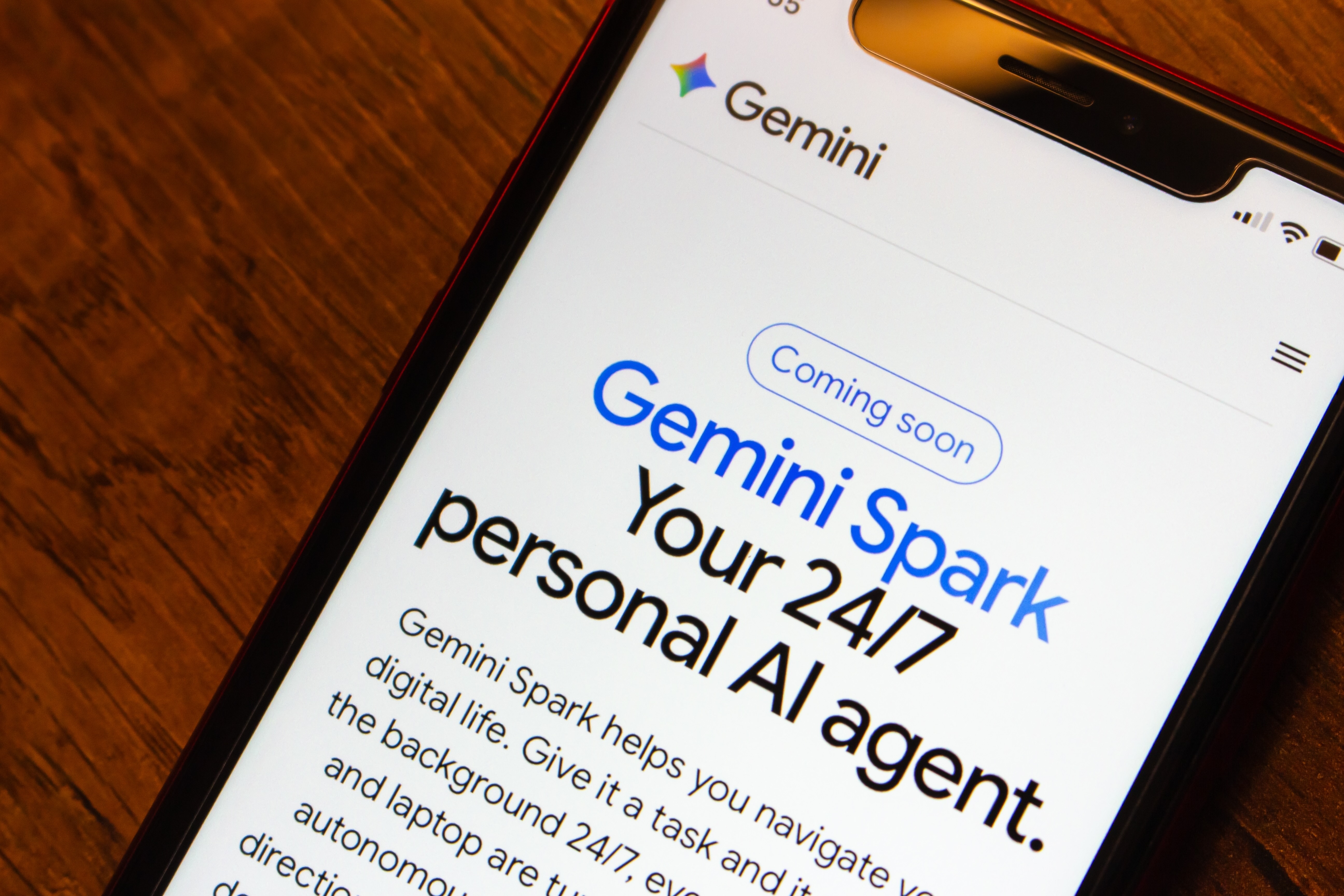
At Google I/O 2026, the company unveiled Gemini Spark, an always-on AI agent built to work in the background of your Gmail, Docs and Calendar around the clock, even when your laptop is closed. This isn’t a chatbot upgrade or a smarter autocomplete. According to TechCrunch’s coverage of the announcement, Spark runs on dedicated Google Cloud servers and executes multistep workflows across Gmail, Google Docs and third-party apps without requiring you to be present for each step.
For the solopreneur who wears every hat, or the manager running a lean team, that’s a concrete operational shift worth paying attention to. The question isn’t whether this matters. It’s where to plug it in first.
The Shift From Assistant to Operator
Here’s what makes Gemini Spark genuinely different. Every previous tool waited for you to open it, asked you what you needed and stopped working when you closed the tab. Spark operates on tasks and schedules you define, then runs in the background whether you’re in a meeting, on a call or asleep.
Alphabet CEO Sundar Pichai described the product’s role as “your personal AI agent that helps you navigate your digital life, taking action on your behalf and under your direction.” That under your direction part carries real weight. Per Google’s official announcement, Spark is completely opt-in; every Workspace integration must be enabled individually in your Google Account settings, and the agent is designed to pause and confirm before taking any high-stakes action. Think of it less like handing your inbox to a stranger and more like hiring a meticulous EA who flags anything unusual before hitting send.
Access is currently in beta for US Google AI Ultra subscribers at $100 a month, a price that dropped from $250 at the I/O announcement. Broader rollout to business Workspace customers is expected through summer 2026. If you’re not on Ultra yet, the three workflows below are worth mapping now so you can move fast when it reaches you.
Workflow 1: Stop Personally Answering Routine Customer Inquiries
If you run any kind of service business, a significant portion of your inbox is the same four questions on rotation: pricing, turnaround time, availability, next steps. Spark can monitor your Gmail for incoming inquiries and generate a personalized draft response based on context it pulls from your existing emails, Docs and calendar—then hold that draft for your approval before anything goes out.
Josh Woodward, VP of the Gemini App at Google Labs, put it plainly at the I/O keynote: “Small businesses are using Spark. They can watch over their inbox, so they never miss a question from a customer.”
How to set it up: In your Google AI Ultra account, navigate to Spark > Skills > Gmail Monitoring. Write a plain-language instruction describing what to flag—something like “any message asking about pricing, availability or project timelines”—and set the response behavior to “draft only, no send.” Spark surfaces those drafts in a dedicated review queue so you can approve, edit or discard before anything reaches a client.
Where you still need to show up: Spark drafts from context, not from relationship history. Anything involving a negotiation, a complaint that requires empathy or a message to a long-term client who expects your voice still deserves your direct attention. Use this workflow to get out of the inbox; don’t use it to automate your judgment.
Workflow 2: Turn Meeting Notes Into Action Items Without Lifting a Finger
You finish a call, open Docs to start a summary, and 30 minutes later, you’re still formatting bullet points. Spark eliminates that gap. As Engadget reported in its breakdown of the announced features, you can program Spark to scan meeting notes from your chats and emails, generate a structured report in Google Docs and prepare a follow-up email draft, all as a single triggered workflow the moment a meeting ends.
This is the pattern Google Cloud’s own documentation highlights for enterprise customers: “Delegate complex work. Set recurring tasks, teach the agent new skills, authorize it to draft and summarize across Workspace.” For a small business, the same capability is available at the individual level.
How to set it up: In Spark’s workflow builder, create a three-step automation: pull notes from your Google Meet or Chat thread; generate a structured summary with labeled action items in a new Doc; draft a follow-up email to attendees linking that Doc. Trigger it manually after each meeting or set it to fire automatically when a calendar event tagged “meeting” closes.
Where you still need to show up: Spark captures what was said, not what was meant. Decisions that hinge on subtext, commitments that depend on relationship nuance and anything you want a specific person to receive with intentional framing all need you before they go anywhere.
Workflow 3: Repurpose Content Without Starting From Scratch
You wrote a strong newsletter. It should also be a LinkedIn post, a short video script and a client case study. But carving it into four distinct formats is exactly the kind of task that never gets done because it’s low-urgency, high-effort and impossible to delegate to a junior hire without extensive briefing.
Spark’s Nano Banana feature—available directly in Chrome—addresses this. Per SD Times’ coverage of the Chrome updates at I/O, Nano Banana uses generative AI to transform existing content into different formats—infographic layouts, shorter written derivatives, reformatted assets—in a single pass from within the browser. Combined with Spark’s Skills in Chrome (one-click saved prompts), you can build a weekly content-repurposing pipeline that fires on command.
How to set it up: Open your source content in Google Docs or Chrome. Use Spark’s /goal slash command to define the output—“convert this post into a 150-word LinkedIn caption and a five-point summary slide”—and let it run. Review everything before publishing anywhere. For recurring formats like a newsletter-to-social pipeline, save the instruction as a Skill so it executes in one click every week.
Where you still need to show up: Repurposed content still needs your perspective. Spark can reformat efficiently, but it can’t add the specific insight you’ve earned from years working in your niche. A single original observation added to each output is what separates distributed content from noise.
The Honest Cost-Benefit Calculation
Before you sign up for Ultra, run a quick ROI check. At $100 a month, Spark needs to save you roughly two to three hours of work per month to break even—less if your billable rate is higher. For most solopreneurs juggling inbox management, post-meeting admin and content repurposing, two hours a week is a conservative estimate for those three tasks alone.
The sharper question is whether your workflows actually live inside Google’s ecosystem. As DataCamp notes in its Spark overview, the agent’s competitive advantage is its deep integration with Gmail, Calendar, Drive, Docs, Sheets and Slides. If that’s already where your work lives, the setup friction is close to zero. If your tools are scattered across platforms like Notion, Slack or project management software outside Google, it’s worth waiting for the expanded MCP partner rollout—Adobe, Notion and Slack integrations are confirmed for summer 2026—before committing.
Your First Move This Week
Don’t try to automate everything at once. Pick the one workflow that costs you the most time right now and set up that single automation first. Inbox triage is the fastest win for most service businesses; it’s high-frequency, low-risk and the time savings are immediately visible in your calendar.
The goal isn’t to hand your business to an agent. It’s to get back the hours you spend on tasks that don’t require your actual expertise, so you can spend more time on the work only you can do.
Featured image from Koshiro K/Shutterstock